
Free Pages Templates

Pages is a great tool for creating beautiful documents, especially if you need to collaborate with others. It’s easy to use and comes free with all Apple devices. You can even share your files online so that anyone can edit them.
Pages is available on Mac, iPad, iPhone, and PC.
Most Popular Pages Templates

Modern Itemized Receipt
Basic receipt with a modern feel and itemized entries. This monochromatic receipt template has sections…

Basic Black and White Fax Cover Sheet
Simple and plain fax cover page with text fields using tables in Pages. Included in this template are…

DVD Case Cover with Labels
Single-page DVD cover insert with labels for front, back, and spine segments. This template also includes…

Weekly Dinner Planner
Purple-themed weekly dinner menu. Each day includes a space to plan the main course, side dishes, and…
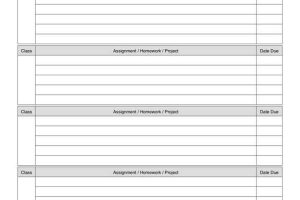
Weekly Homework Assignment Planner Pages
Set of letter-size planner pages in portrait orientation. This template includes five sections per page,…
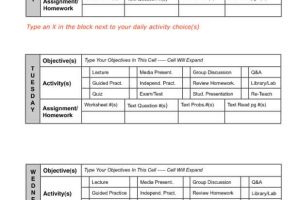
Weekly Lesson Plan Checklist (Portrait)
2-page weekly lesson plan worksheet with checklist options for activities. Set an objective for each…
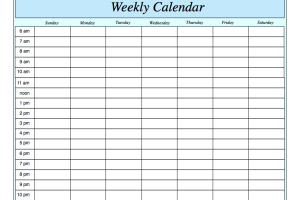
Weekly Scheduling Planner
Single-page weekly schedule planner in landscape orientation. Featuring blue accents, this calendar runs…
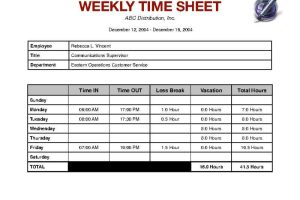
Weekly Timesheet with Breaks and Vacation Hours
Weekly timesheet with break times and employee details. This template includes sections for breaks, vacation…

Wish List for Santa
Portrait-oriented Christmas wish list for Santa. Outlined with a red border and topped with Santa and…

Wood and Hearts Poster
Portrait-oriented poster on a cherry wood background with heart and ribbon accents. This poster includes…
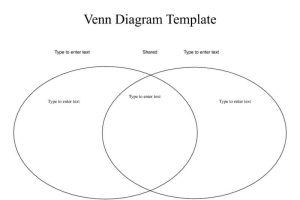
Venn Diagram Worksheet
Single-page Venn diagram worksheet. This landscape-oriented template has a large title at the top, in…

Vertical Business Cards (Label 5371 Template)
3×2 vertical business card blank template, compatible with label 5371 template. This set can accommodate…
iWork was Apple’s productivity software suite, consisting of Pages (a word processor), Keynote (presentation software), and now Numbers (a spreadsheet app). Now each of the apps are available seperatly in the App Store and many times come preinstalled on new Apple devices.
These applications are phenomenally designed, easy to learn, and efficient to use.
Pages, Numbers and Keynote built around the use of templates – and the templates provided by Apple are great! But we felt there would be a strong demand for more; so we set up this site to allow the community of iWork users to share what they have created.